
Overview
This module enables two-step authentication (OTP) using SMS or email.
When this module is enabled, users are required to enter a one-time authentication code each time they sign in to the system. The code is sent to the mobile phone number or email address associated with their user account.
Before enabling this module, ensure the following:
- Under Privacy & Security > General Settings, the List of IP addresses authorized for the Agent Workspace includes one or more authorized IP addresses.
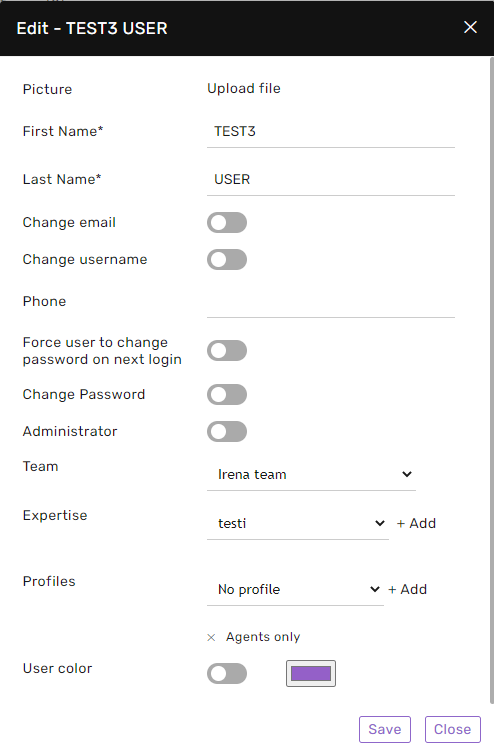
- Each user has a valid mobile phone number or email address configured under Settings > Users, depending on the selected authentication method.
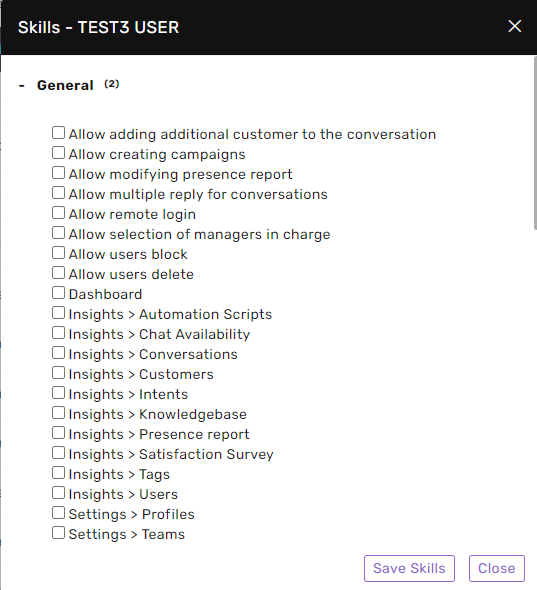
- Non-admins who require remote access from outside the authorized IP addresses have the appropriate Permissions.
General Settings
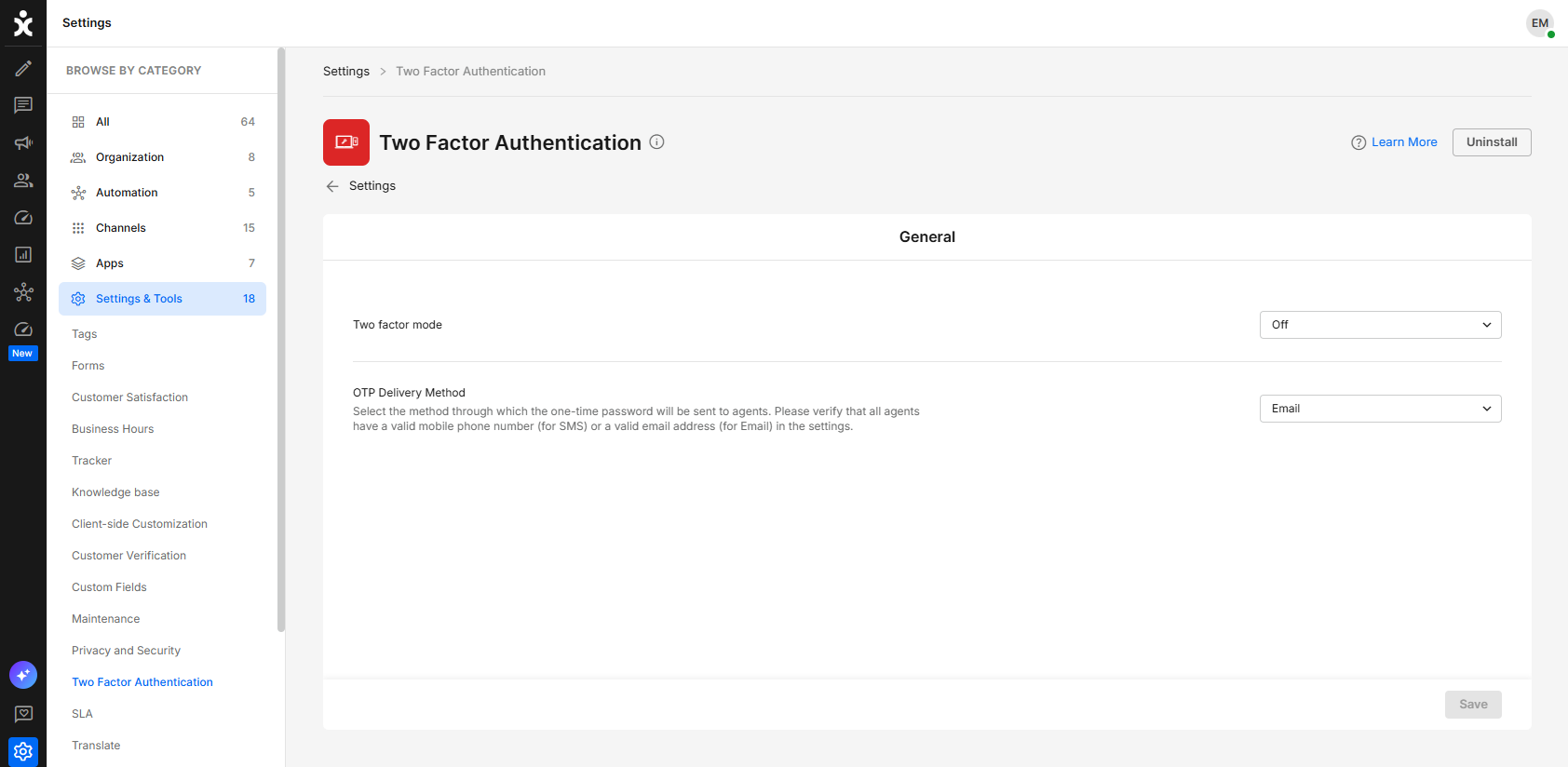
Two-factor Mode
Select when two-factor authentication (OTP) is required:
- Off – Two-factor authentication is disabled.
- Remote Only – Admins are prompted for an OTP only when signing in from an unauthorized IP address (an IP address not included in the authorized IP address list).
- On – All users, including admins and non-admins, are required to complete two-factor authentication before access to the system is granted, regardless of the IP address they sign in from.
OTP Delivery Method
Select how users receive their one-time password (OTP):
- SMS – Sends the OTP to the mobile phone number configured for the user.
- Email – Sends the OTP to the email address configured for the user.