Overview
Organizations can import external customer satisfaction surveys (CSAT) into the CommBox platform. This enables survey results collected outside of CommBox, including AWS voice call surveys, to be integrated and displayed alongside other communication channels in the Real-Time Dashboard.
Using the External Survey API, organizations can create survey responses, attach them to existing conversations, tag conversations appropriately, and maintain a unified view of customer satisfaction across all communication channels.
Configuration
You’ll need to create a new Customer Satisfaction Survey channel and configure the external integration.
- Navigate to Settings > Customer Satisfaction Survey Module, and click the +Customer Satisfaction Channel. Name the new channel, select ownership (optional), and click Create Channel.
- Copy the channel ID. This value will be used as the surveyStreamId parameter in the API request.
Note: Use your browser's Inspect tool to retrieve the channel's numeric ID. The encrypted ID displayed in the interface may not be accepted as the surveyStreamId value.
- Configure your AWS Connect Lambda (or another external integration) to call the survey API.
Endpoint
POST /objects/{objectId}/survey
Required Path Parameter
| Parameter | Description |
|---|---|
| objectId | The conversation ID associated with the survey response. |
Required Request Body Parameters
| Parameter | Type | Description |
|---|---|---|
| surveyStreamId | Number | The ID of the Customer Satisfaction Survey channel. |
| questionId | String (max 30 chars) | Unique identifier of the survey question. |
| questionText | String (max 2000 chars) | The survey question was presented to the customer. |
| answerOptions | Array of strings (max 40 entries) | Available answer choices. |
| selectedAnswer | String (max 500 chars) | The answer selected by the customer. |
Payload Request Example
{
  "data": {
    "surveyStreamId": 100000000043388,
    "questionId": "q4_quality",
    "questionText": "Rate the quality of our response",
    "answerOptions": [
      "good",
      "ok",
      "bad"
    ],
    "selectedAnswer": "ok"
  }
}
Scoring and Tagging
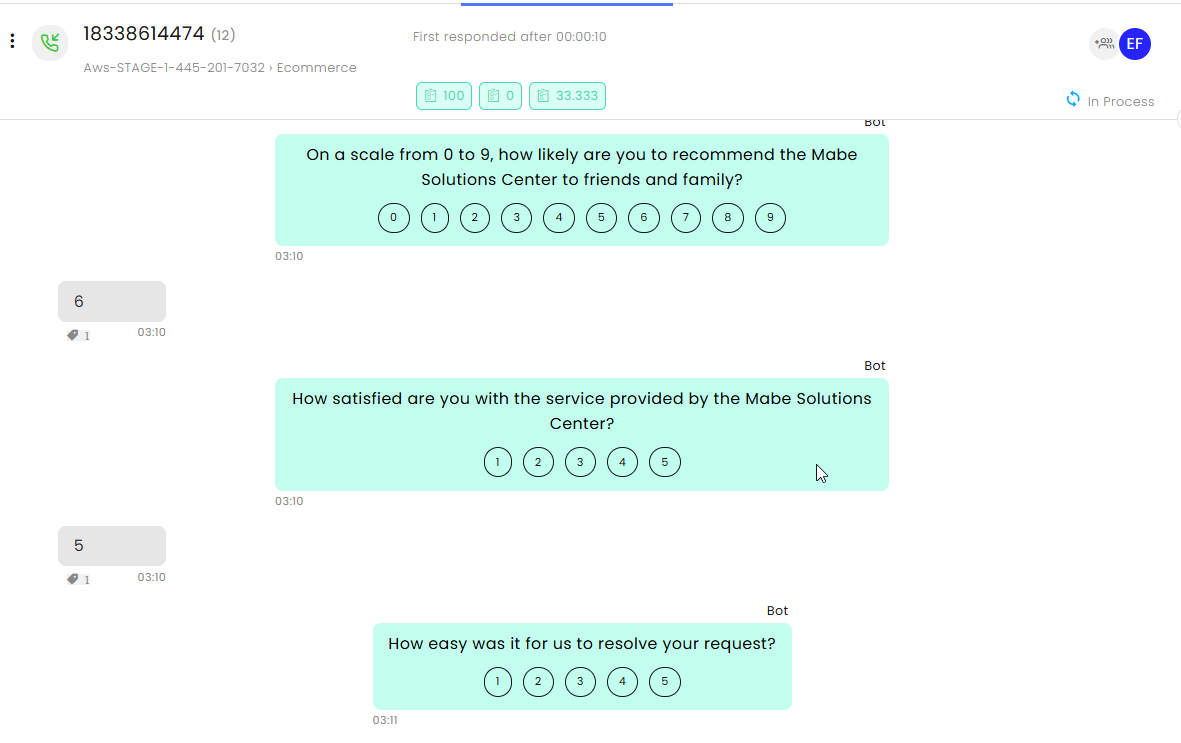
Survey scores are calculated automatically based on the position of the selected answer within the answerOptions array.
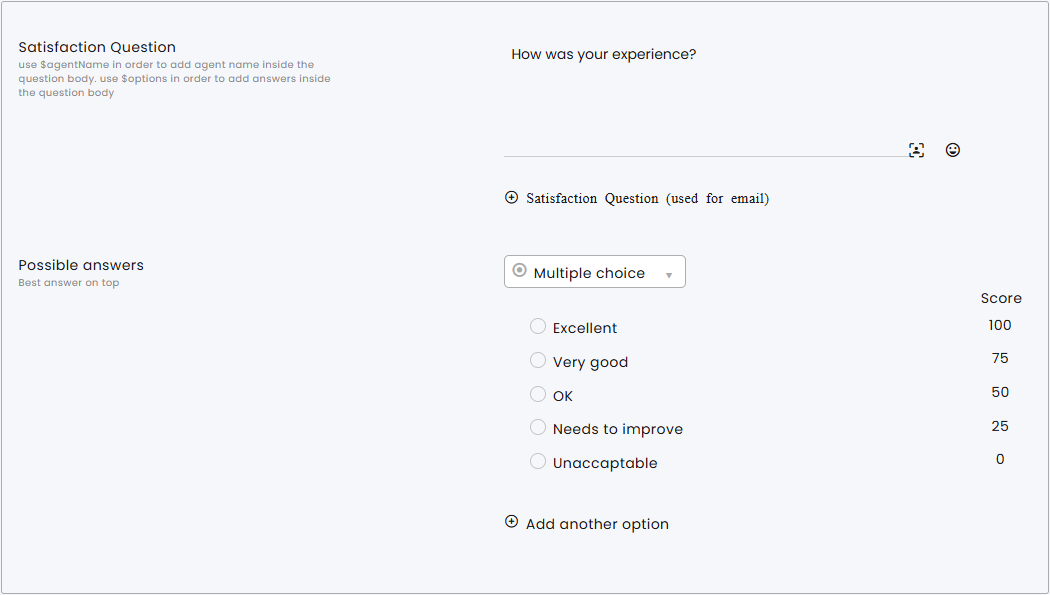
The first answer always represents the highest satisfaction score (100%), while the last answer represents the lowest satisfaction score (0%). Scores for intermediate answers are distributed evenly between these values.
When a survey response is received, CommBox automatically adds a satisfaction tag to the associated conversation reflecting the calculated score.
Examples
| Number of Choices | Score Distribution |
|---|---|
| 5 choices | 1 = 100%, 2 = 75%, 3 = 50%, 4 = 25%, 5 = 0% |
| 4 choices | 1 = 100%, 2 = 67%, 3 = 33%, 4 = 0% |
| 3 choices | 1 = 100%, 2 = 50%, 3 = 0% |
Important: The order of the answers determines the score. Place the most positive answer first and the most negative answer last.